
At the expo
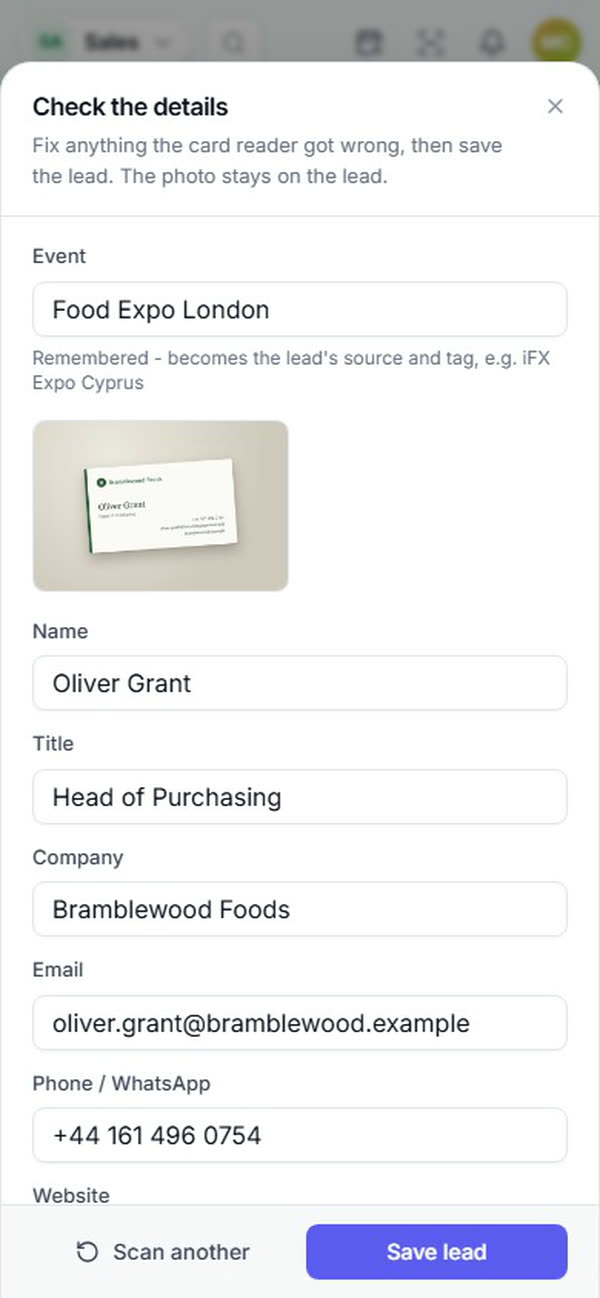
Snap a card. Get a lead.
BeforeA pile of cards, typed in at night.
NowName, company, email and phone filled in, tagged with the expo. Say how you met and AI writes the note.
Show yours too: your own business card with a QR code.
Use cases
HR & recruitmentJobs, CVs and shortlistsReal estateListings, buyers and viewingsProperty websitesYour own site for your listingsCorporate servicesCompanies, deadlines and KYCClinicsOnline booking for patientsHair salonsChairs, colour and rebookingNail salonsNail desks, refills and depositsRestaurantsTables, guests and private eventsSales tool AI included
$49 per user / month 14 days free
No card needed
Team AI
Type it or say it, in your own words. CloseKite does the busywork.
New lead: Lakeshore Physio, Sara Lee is the contact.
Research Lakeshore Physio before my 3 pm call.
Log it: Acme loved the demo. Remind me Friday and draft a thank-you.
Email Harbourview a short recap of today's call.
What did we promise Harbourview?
Nothing goes out without your tap. The AI makes drafts. Emails, invoices and signing requests wait until you press Send.
At the expo
BeforeA pile of cards, typed in at night.
NowName, company, email and phone filled in, tagged with the expo. Say how you met and AI writes the note.
Show yours too: your own business card with a QR code.
Before the call
BeforeTwenty tabs open before every call.
NowAsk Team AI to look them up on the web. Save the brief on the lead.
Research Lakeshore Physio before my 3 pm call.
Team AI · searched the web
Here's Lakeshore Physio:
Save to lead
After the meeting
BeforeNotes typed up at 7 pm, if at all.
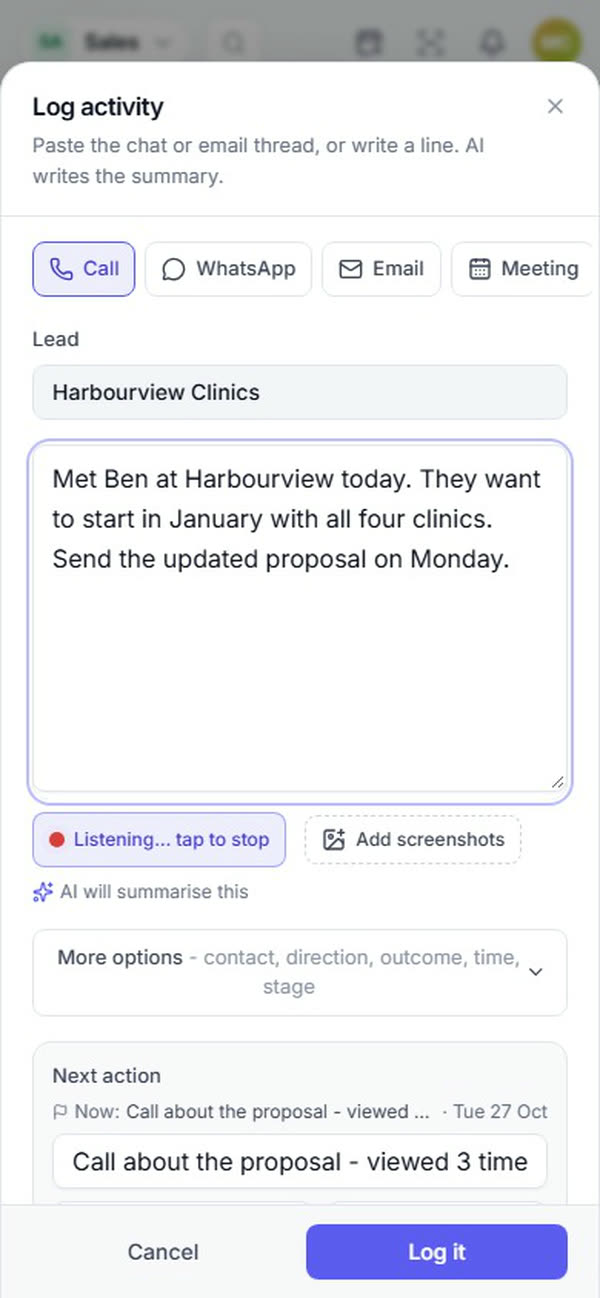
NowSay what happened. You get the note, the follow-up task and a thank-you email to check.
Your emails
BeforeScrolling back through months of email.
NowAsk about every email with a client. Where things stand, the next step, a reply drafted.
Ask AI about these emails · Harbourview
AI · read your emails with them
Where things stand: pilot agreed, price check in January.
Next step: send the pilot plan.
Reply drafted
Who to call next
BeforeGuessing who's next.
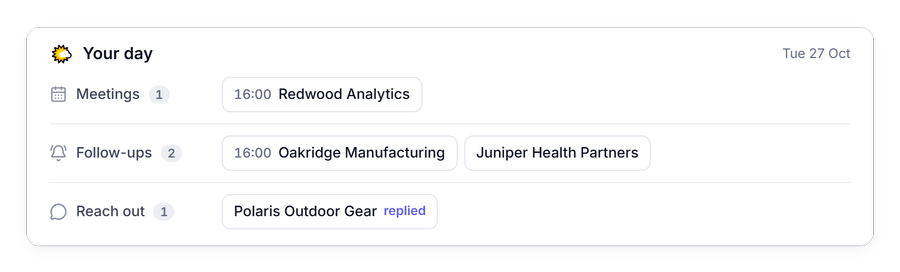
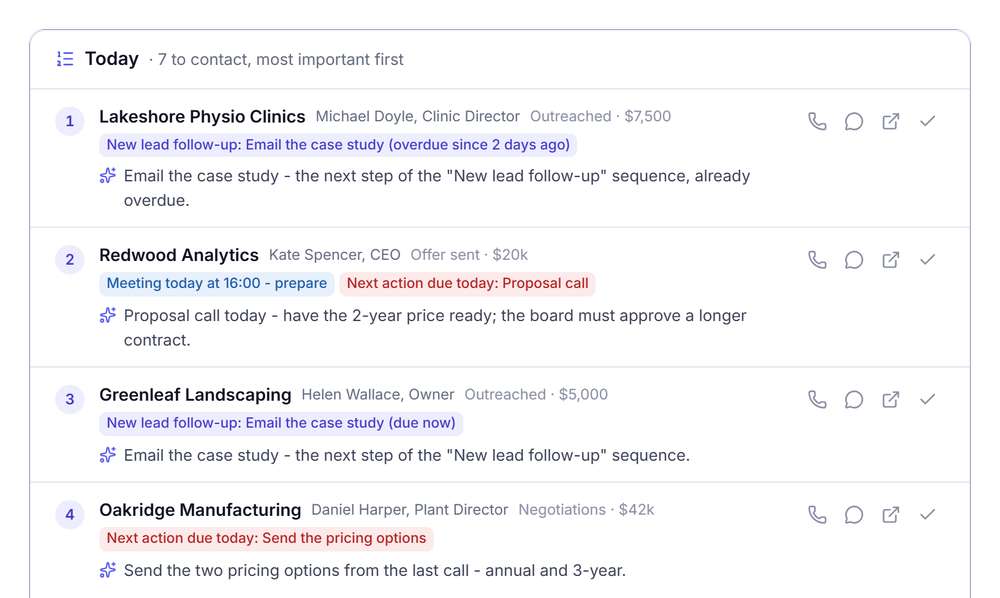
NowEvery morning: who's due, who's going cold, and what to say.
Meeting prep
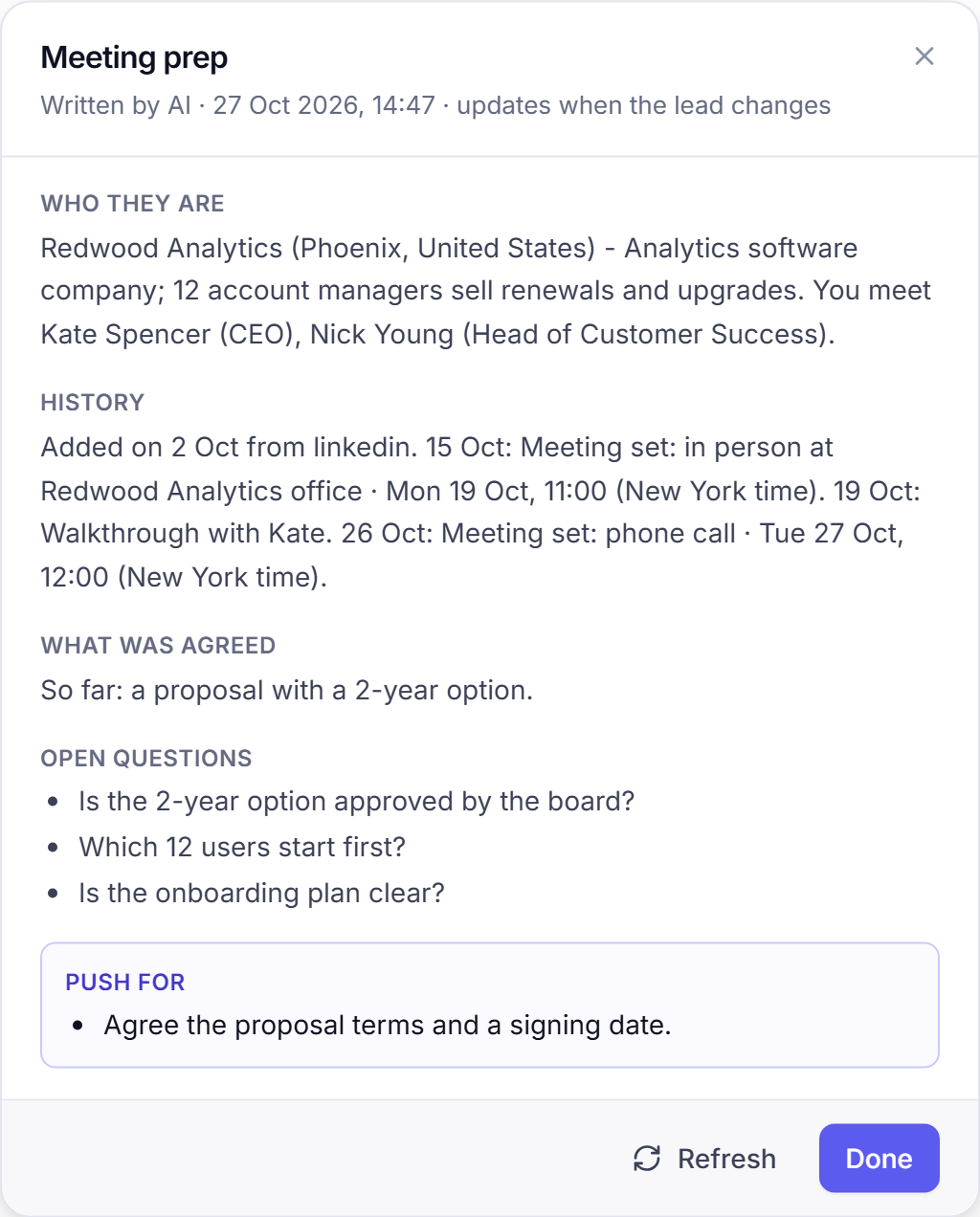
BeforeWalking in cold.
NowA one-page brief: the history, what was agreed, questions to ask.
Email filing
BeforeCopying emails onto leads by hand.
NowConnect your mailbox. New emails land on the right lead, with notes, new people and promised tasks.
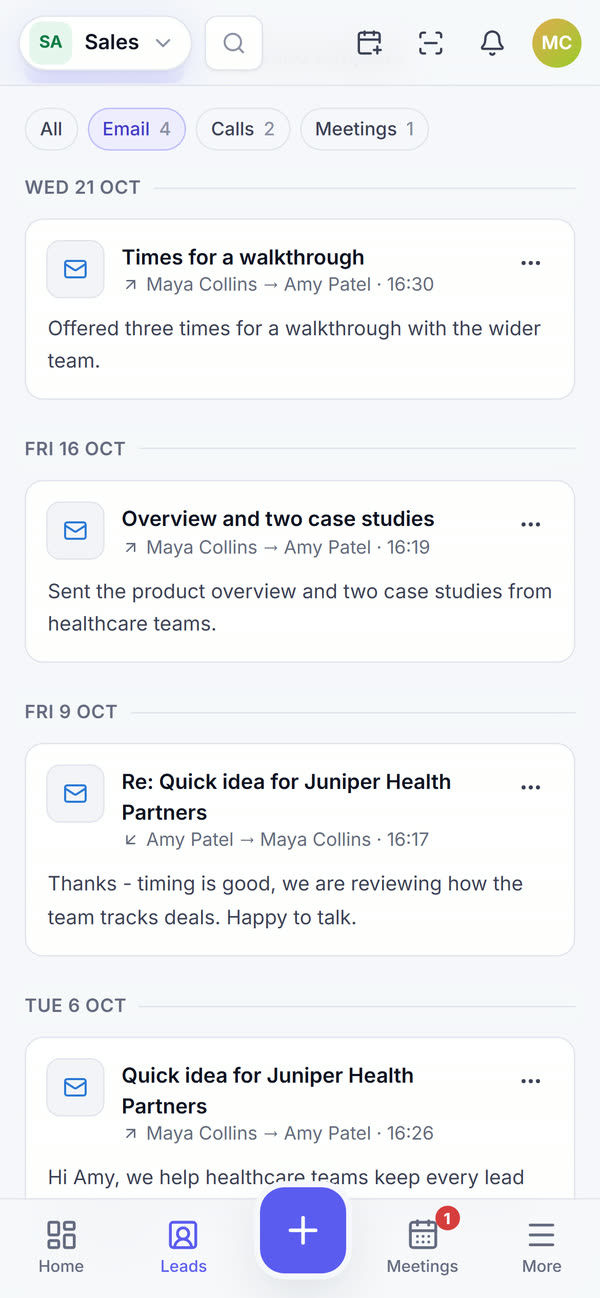
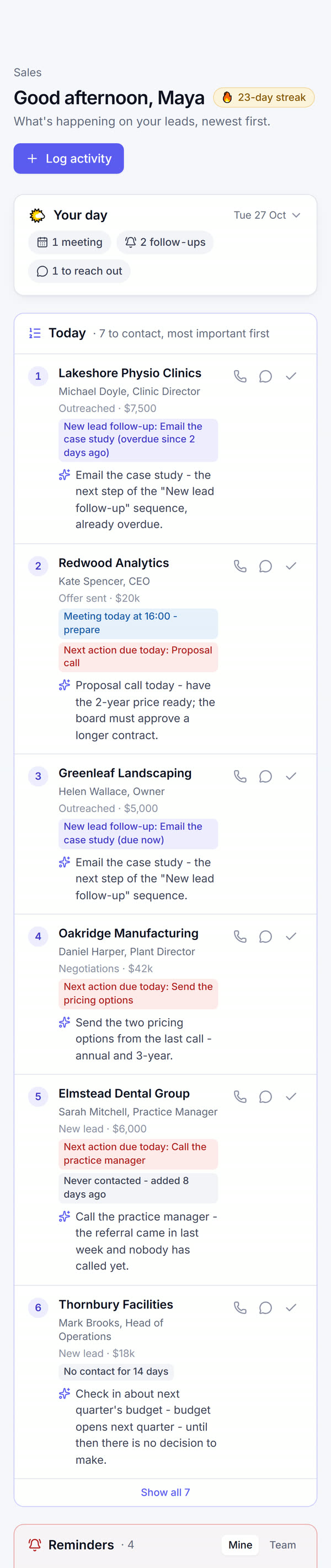
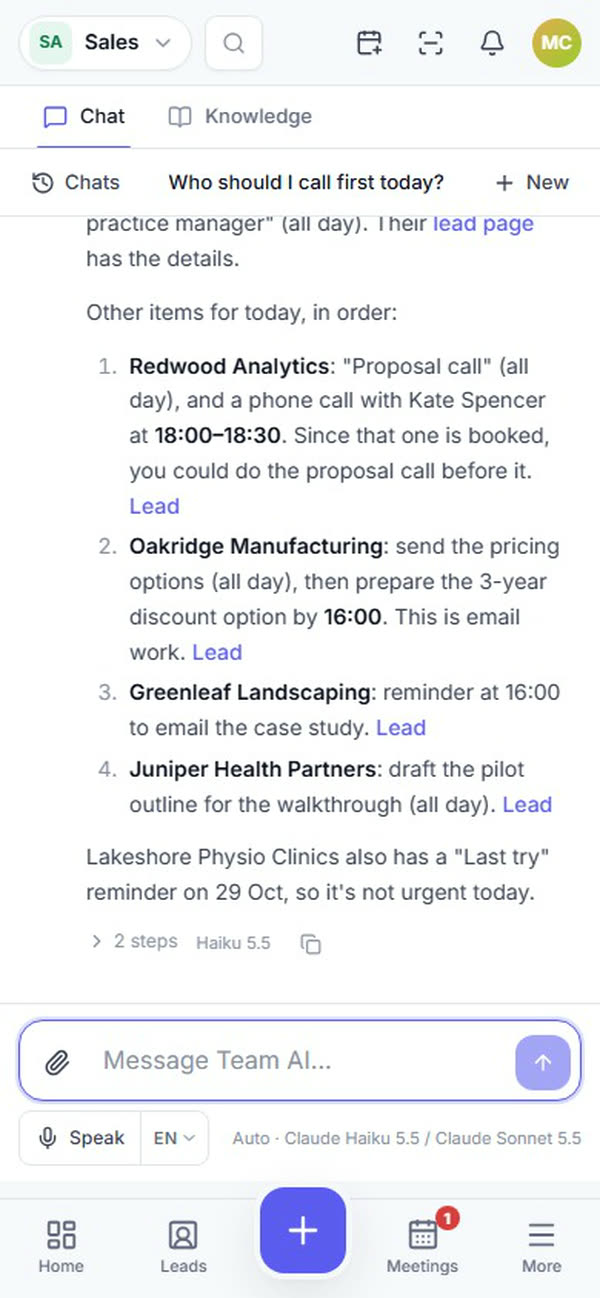
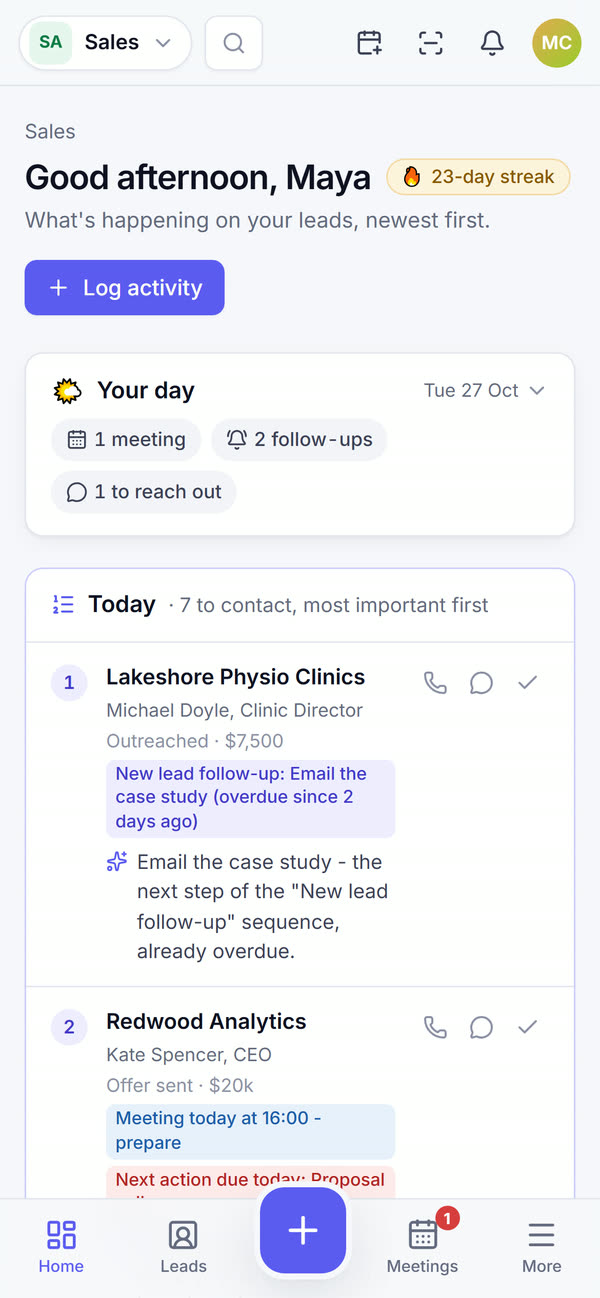
AI Today list
Every morning, most important first.

Team AI
Meeting prep

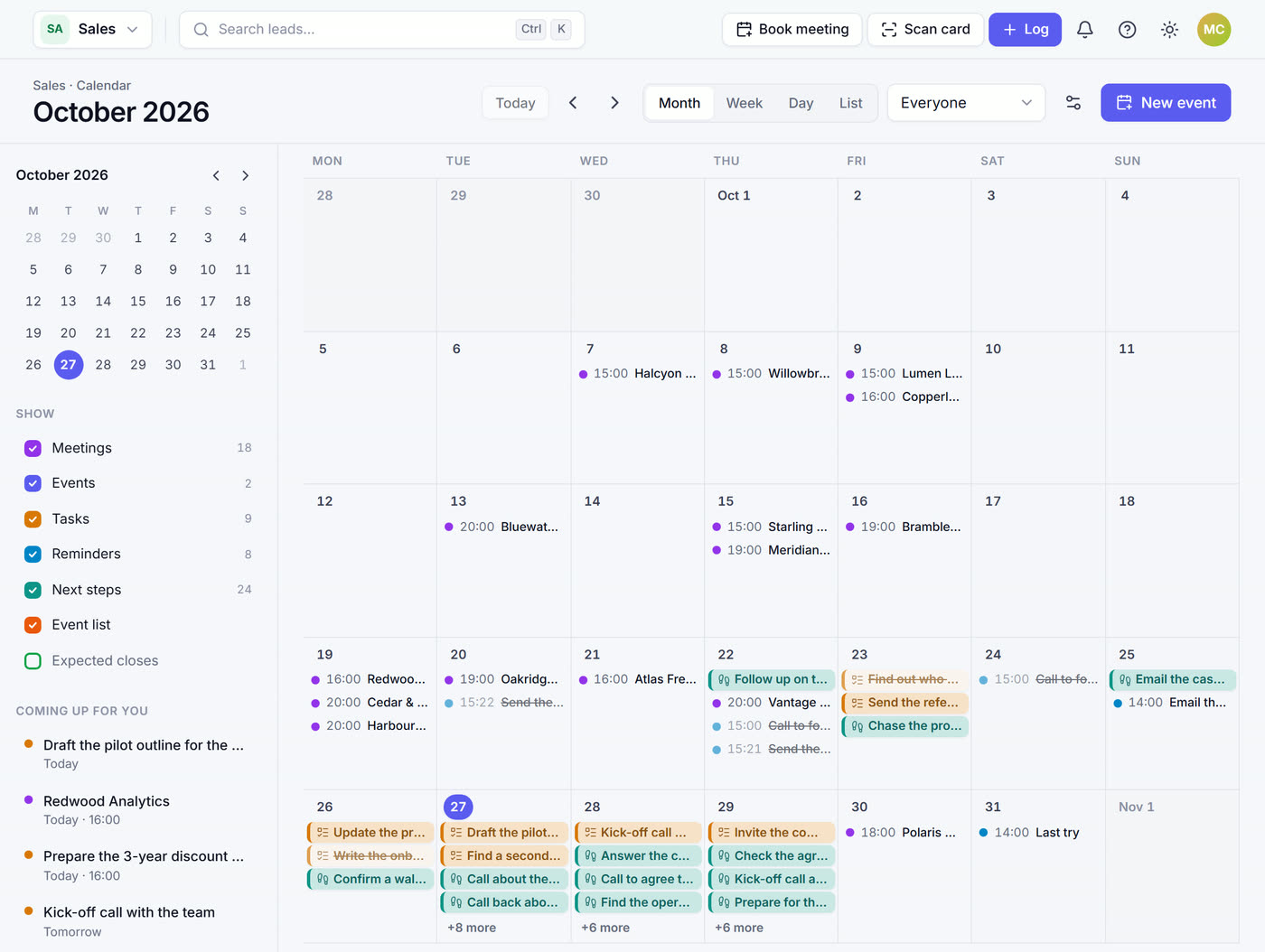
Calendar
Speak
Say what happened. It's on the lead.

Card scanner


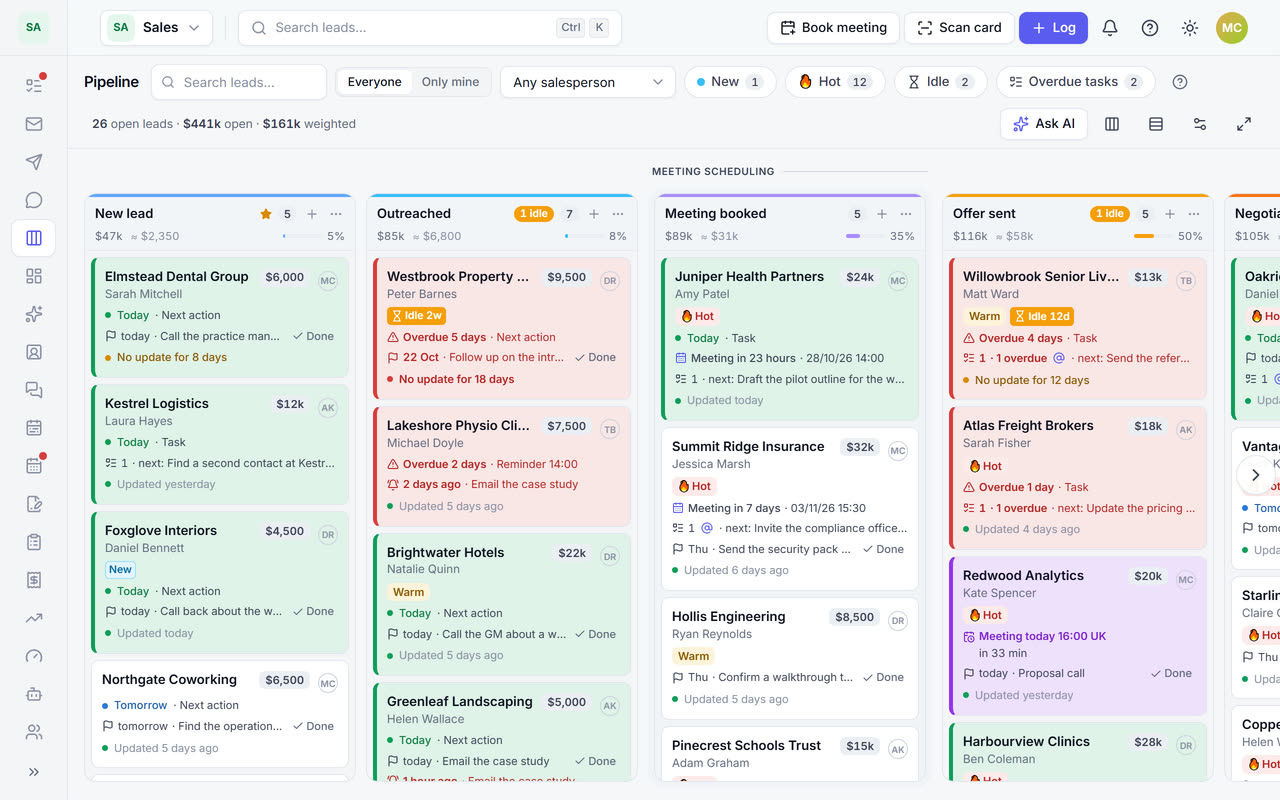
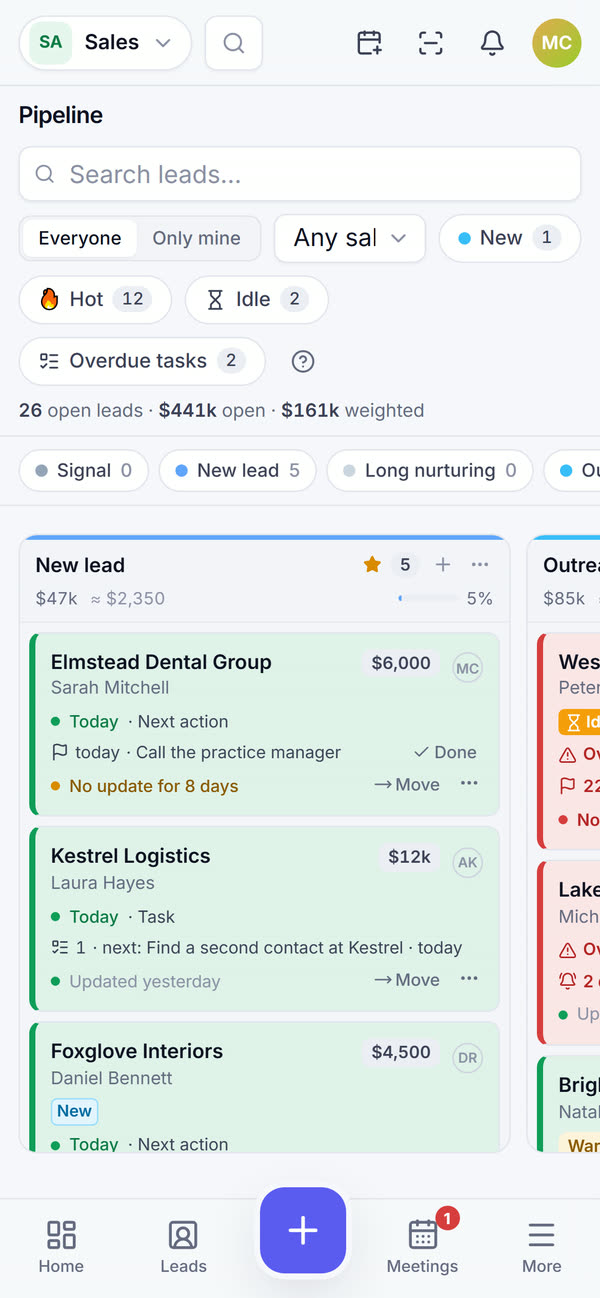
Pipeline
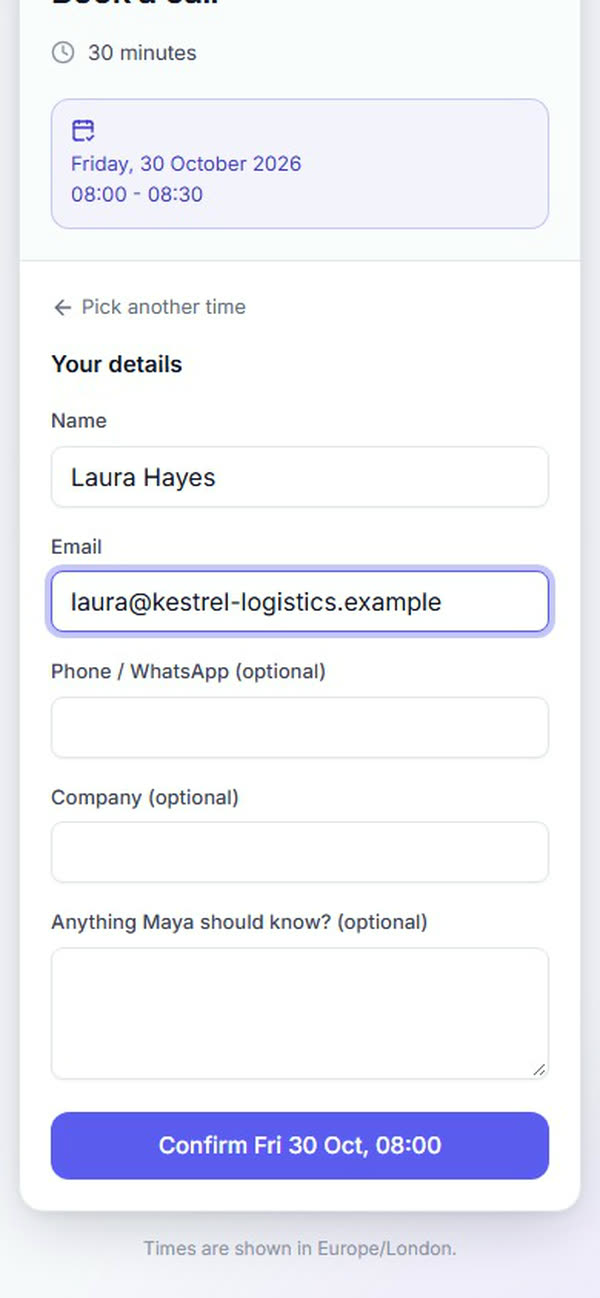
Booking page
Share your link. They pick a time.
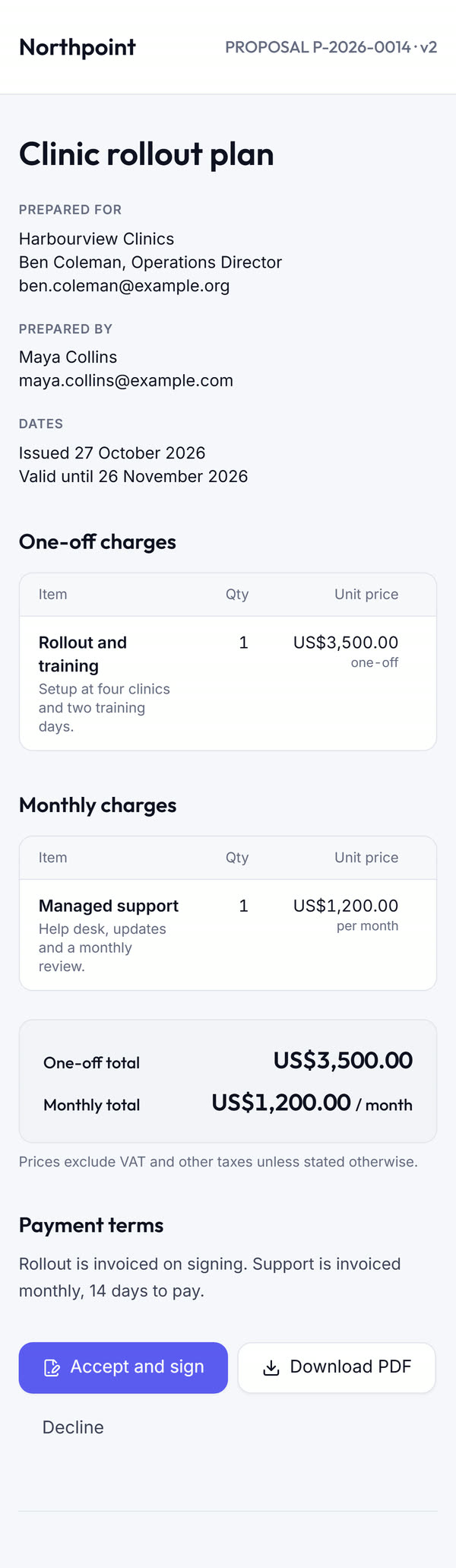
Proposals
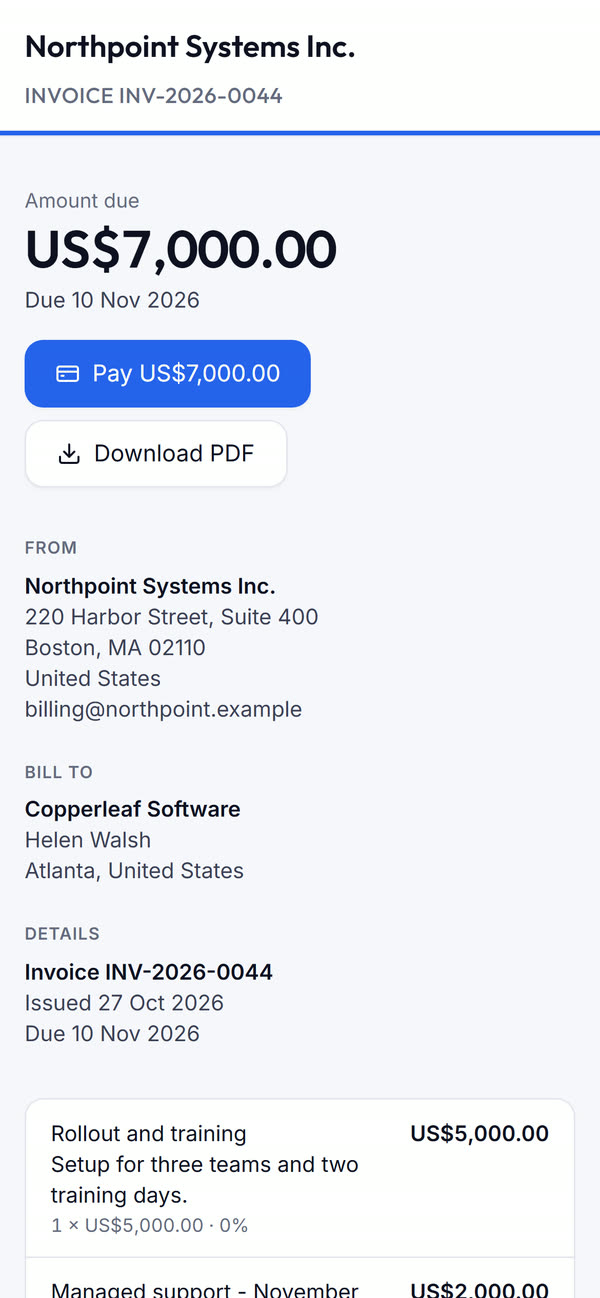
Invoices
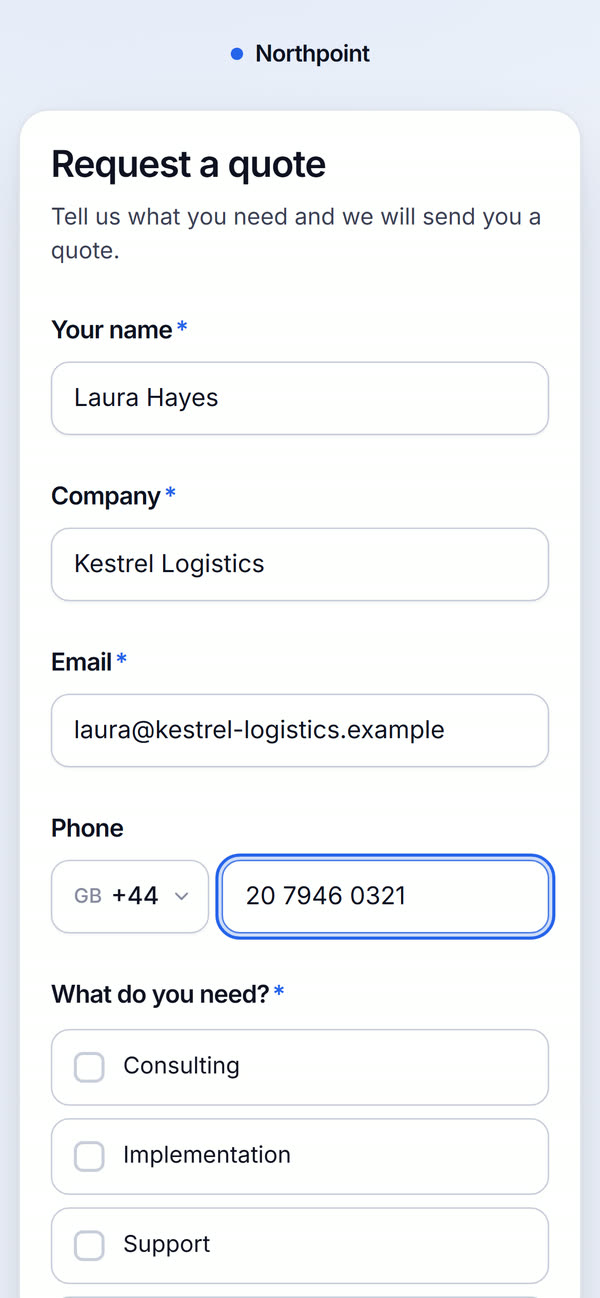
Forms
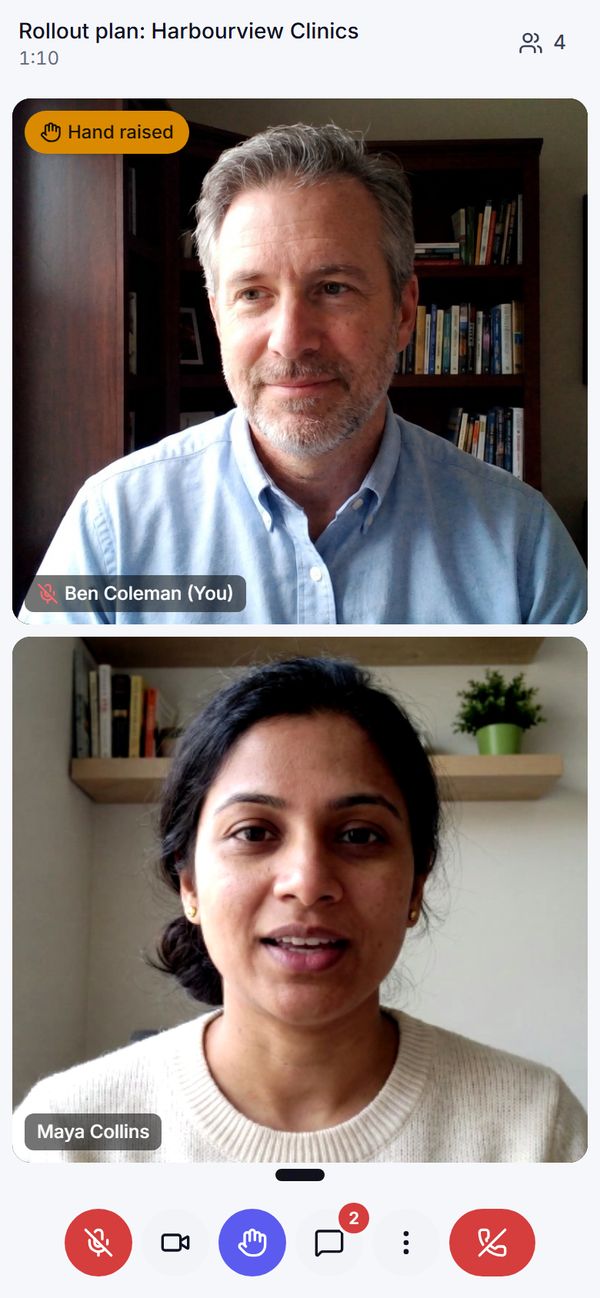
Video calls
Nothing to install. Who joined goes on the lead.
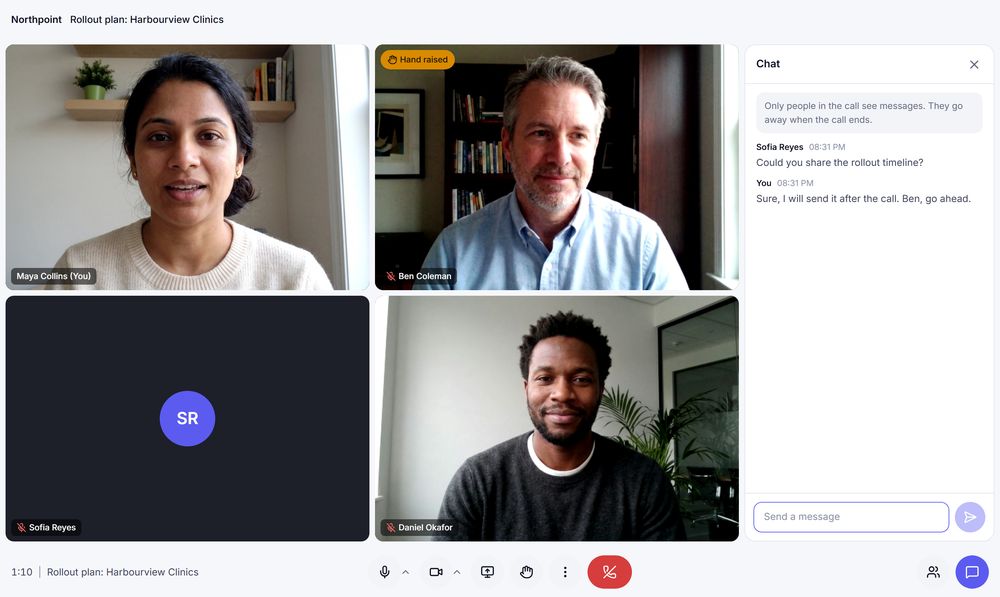
Guest link
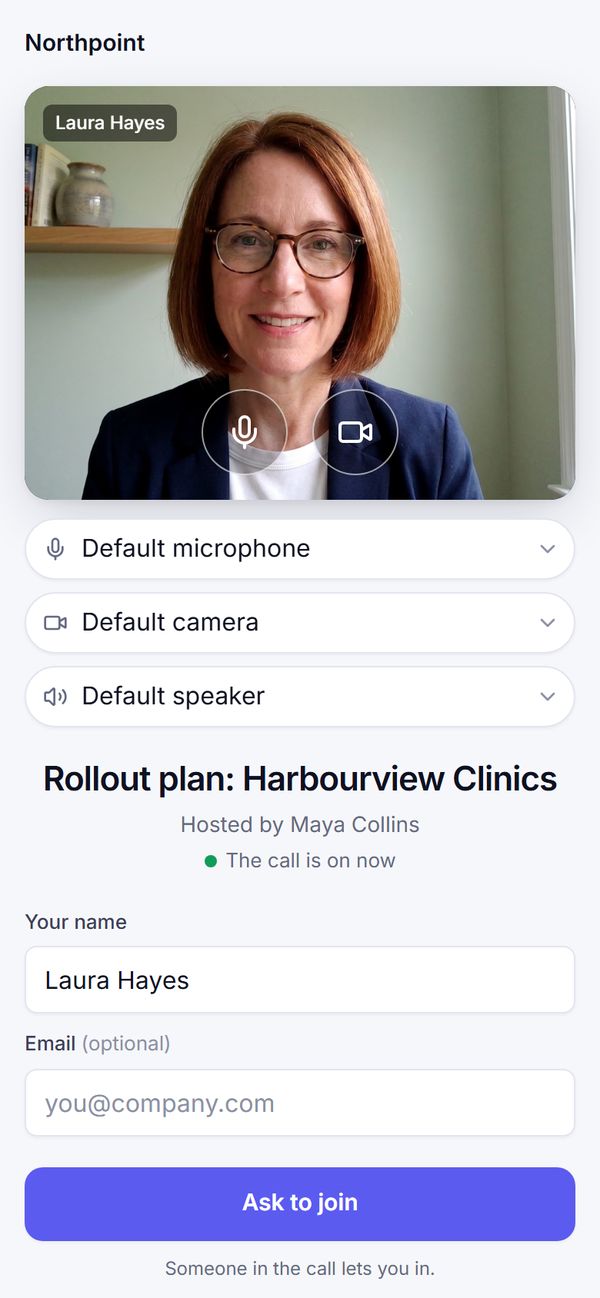
Lobby
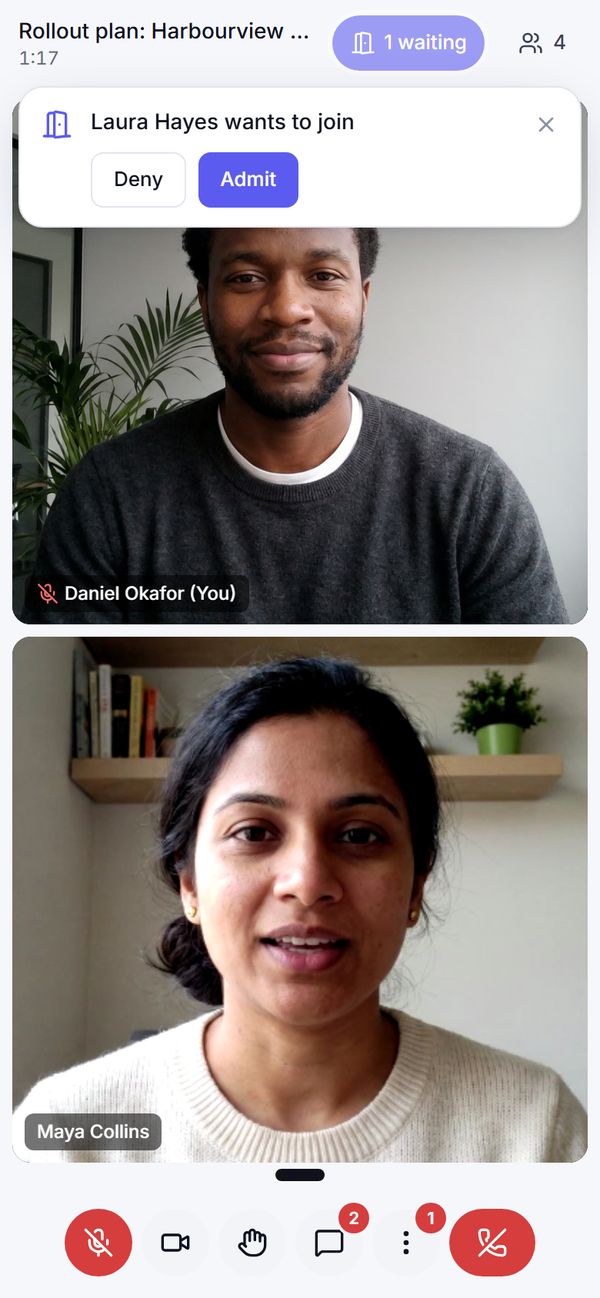
Phones
Business card
Invoice templates
Quick actions
Typical times, our estimate.
| Task | By hand | With CloseKite |
|---|---|---|
| A business card from an expo | about 3 min | about 20 s |
| Research before a call | about 15 min | about 1 min |
| Notes after a meeting | about 10 min | about 2 min |
| Prep for a meeting | about 15 min | about 2 min |
| A follow-up email | about 8 min | about 1 min |
| A task or reminder | about 1 min | a few seconds |
yourcompany.closekite.com
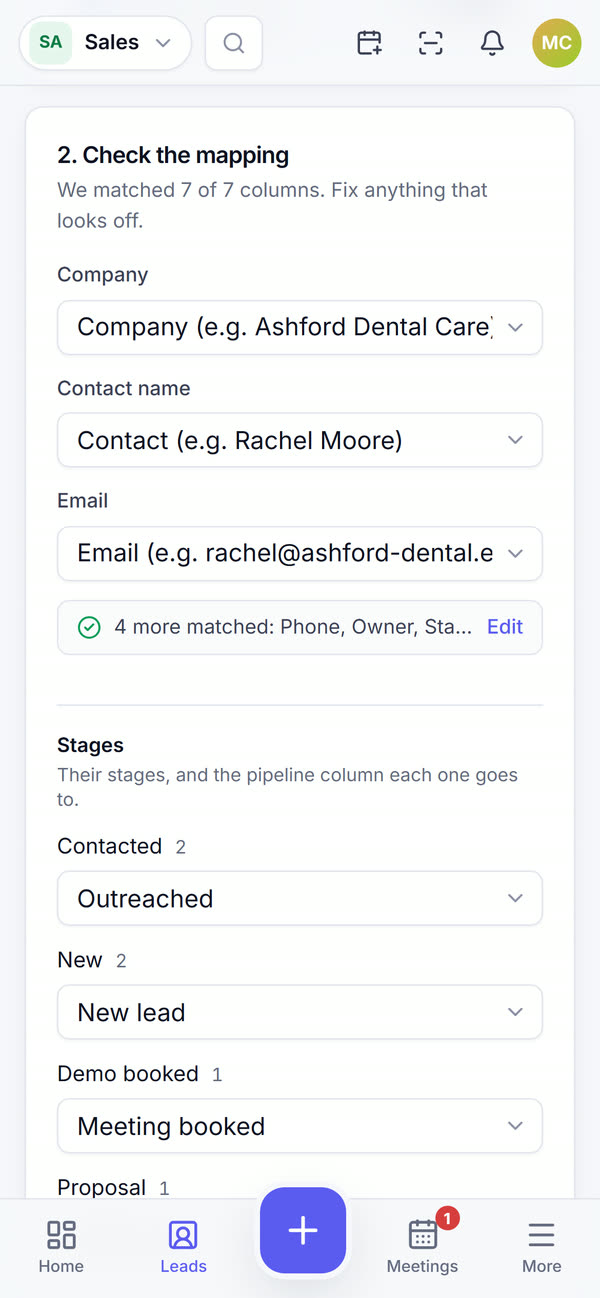
CSV or Excel, columns matched for you.
Who to call first, every morning.
Billed monthly. Cancel any time.
AI is included on every seat under a fair-use policy that comfortably covers day-to-day selling.
Plan limits: 10 projects per company and 20 GB of storage per user, shared by the whole team. Need more? +10 projects for $20/month and +100 GB of storage for $5/month, both added in Admin → Billing.
You choose monthly ($49 per user) or yearly ($490 per user) billing and add a payment method to keep going. We never ask for a card up front, so nothing is charged unless you decide to continue. If you don't, you can ask us to export or delete your data.
Yes. Monthly plans can be cancelled any time and run to the end of the month you've paid for. Yearly plans run to the end of the paid year. There are no setup fees and no cancellation fees.
On servers in the European Union. Every company gets its own private database, so your data is never mixed with anyone else's, and it is backed up daily. We act as your data processor under GDPR; see our Privacy Policy.
Yes. Import a CSV yourself in a few clicks, or email hello@closekite.com and we'll help you map your spreadsheet or old sales tool export and set up your pipeline, at no extra cost.
No. CloseKite works from a single user, and you only pay for the people who use it. Add or remove users as your team changes.
No. Video calls are built in and come with the plan. Press Video call on a lead, or give booked meetings a call link that goes into the confirmation and the calendar invite. Calls run in the browser on computers and phones, so nobody installs anything. Guests type their name and wait in a lobby until you let them in, and the call shows your logo and colours. You get screen sharing from a computer, chat and raised hands. When the call ends, who joined and for how many minutes goes on the lead's timeline. Calls also get through most company firewalls.
Yes. The AI Today list and meeting prep briefs are included on every seat, under a fair-use policy that covers normal day-to-day selling. There's no separate AI add-on to buy.
Every plan includes 10 projects per company and 20 GB of storage per user, shared by the whole team, so 5 users share 100 GB. Archived projects don't count. Need more? The account owner adds 10 projects for $20/month or 100 GB of storage for $5/month in Admin → Billing, and can remove them again. Reaching a limit never locks or deletes anything.
Something else? Email hello@closekite.com and a human will reply.
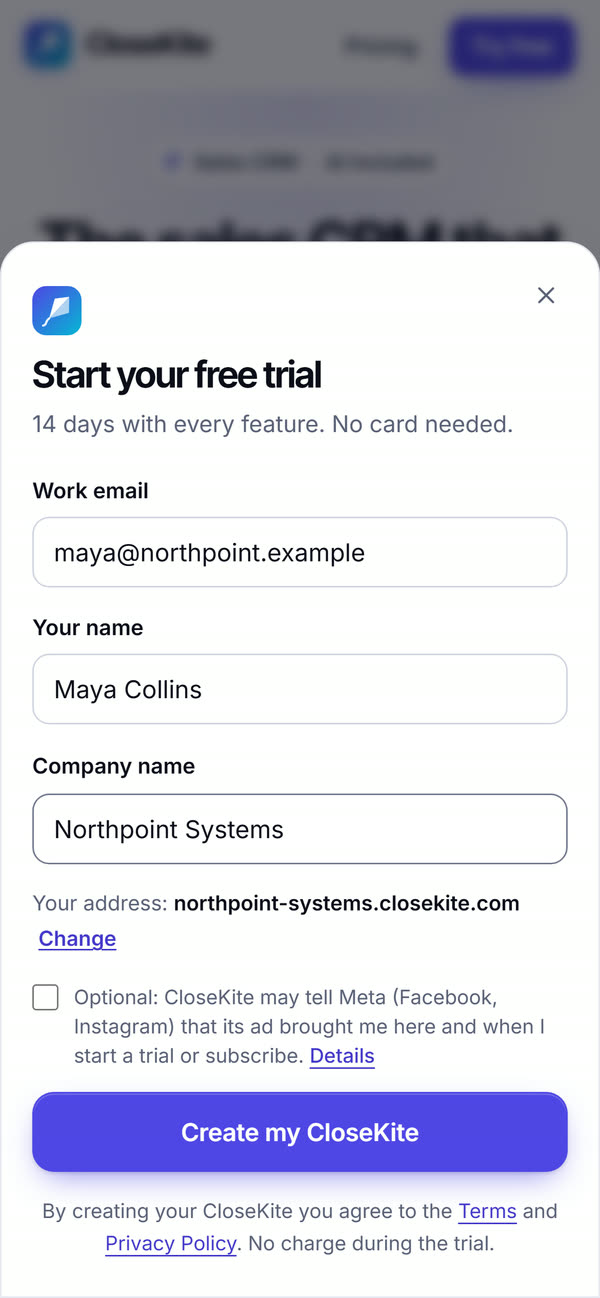
Try it on your own leads. Free for 14 days.
14 days free · No card needed · $49 per user per month after